Comfort Colors 1717 Mockup - 082: A High-Resolution T-Shirt Mockup for Professional Design Presentations
What Is the Comfort Colors 1717 Mockup - 082?
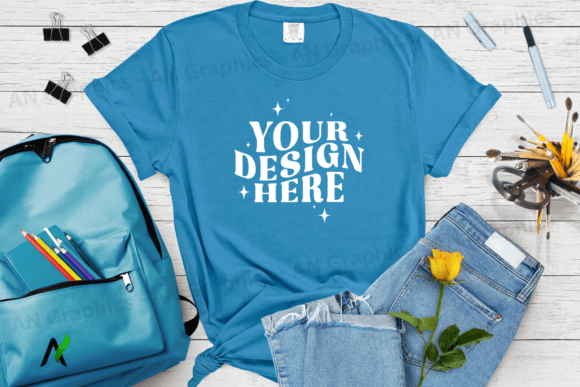
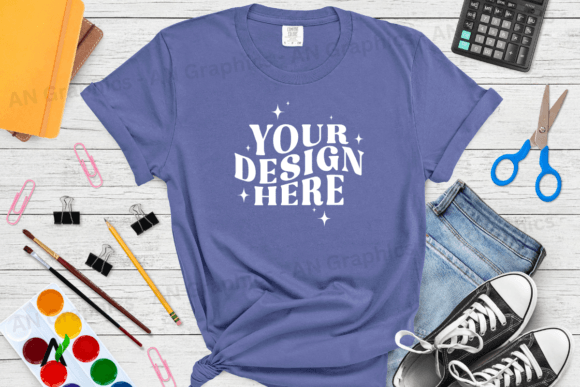
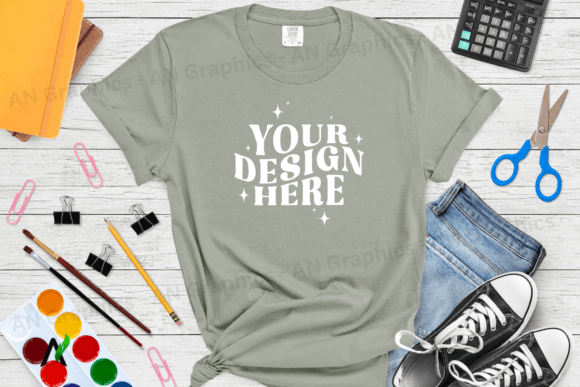
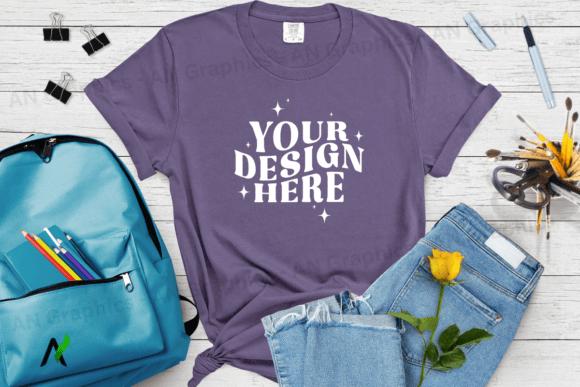
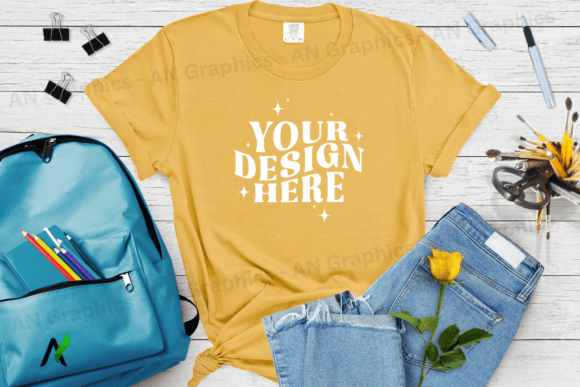
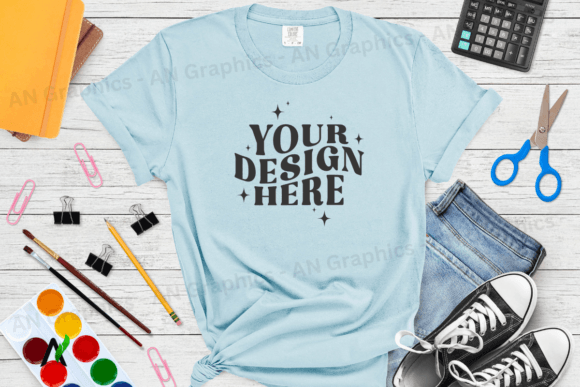
The Comfort Colors 1717 Mockup - 082 is a high-resolution JPEG image designed to help creators, marketers, and small business owners showcase their t-shirt designs in a professional and realistic way. This mockup provides a flat, ready-to-use background that allows you to layer your own design or text on top with ease. It’s ideal for those who need to present their work in a polished format without requiring complex editing tools.
This specific mockup features the Color Chambray – Comfort Colors 1717 t-shirt model, which is known for its soft texture and versatile color palette. The dimensions of the image are 3750 x 3000 pixels, ensuring that it maintains sharpness and clarity even when viewed at larger sizes. With a resolution of 300 dpi, it's suitable for both digital use and print-ready outputs.
Unlike other mockups that may come with smart objects or layered PSD files, this one is delivered as a single JPEG file, making it compatible with any photo editing software such as Photoshop, Canva, or GIMP. There are no watermarks or logos included, allowing you to maintain full control over the final look of your design.
Where Does This Mockup Fit in Your Workflow?
The Comfort Colors 1717 Mockup - 082 can be used at various stages of your design process. Before beginning a new project, you can use it to visualize how your design will look on a real t-shirt. During the creation phase, it serves as a testing ground for different color schemes, typography choices, and layout variations. Once your design is finalized, the mockup becomes an essential tool for presenting your work to clients, customers, or stakeholders in a professional manner.
For educators and bloggers, this mockup can be used to create visual content for tutorials, product reviews, or design inspiration posts. Entrepreneurs and small business owners can integrate it into their online store to showcase custom t-shirts in a realistic setting, improving customer trust and engagement.
Freelancers and designers can streamline their workflow by using this mockup consistently across all client projects, ensuring a cohesive and professional presentation throughout their portfolio or website.
How to Use the Comfort Colors 1717 Mockup - 082
Using the Comfort Colors 1717 Mockup - 082 is straightforward. Start by opening your preferred image editing software and importing the mockup file. Once loaded, simply place your design or text on top of the t-shirt area. You can adjust the opacity, position, and scale of your elements to achieve the desired effect.
If you're using Photoshop, you can take advantage of layers to separate your design from the background, making it easier to edit or reuse the mockup for future projects. For users of Canva, the process is just as simple—upload the mockup, add your design, and export it in the required format.
One of the key benefits of this mockup is its compatibility with a wide range of platforms and tools. Whether you're working on a personal project or managing a large-scale e-commerce site, the Comfort Colors 1717 Mockup - 082 offers a reliable solution for showcasing your t-shirt designs in a professional context.
Integration with Other Tools and Resources
The Comfort Colors 1717 Mockup - 082 works well with other design assets and resources. For example, if you're using a vector-based design tool like Adobe Illustrator, you can export your artwork as a PNG or JPEG file and then overlay it onto the mockup. This ensures that your design remains crisp and clear, regardless of the platform you're using.
When combined with stock photography or background images, the mockup can help create a more immersive and realistic presentation. This is particularly useful for marketing materials, social media posts, and product listings where visual appeal plays a crucial role.
Additionally, the mockup can be integrated into automated workflows using tools like Adobe Express or DesignBold. These platforms allow you to apply consistent branding and formatting across multiple designs, saving time and effort in the long run.
Practical Tips for Using the Mockup Effectively
- Prepare Your Assets: Before using the mockup, ensure that your design or text is properly formatted and exported in a high-resolution format (e.g., PNG or JPEG). This will help maintain the quality of your final output.
- Use Consistent Branding: If you're creating multiple designs for the same brand or product line, use the same mockup consistently to maintain a cohesive visual identity.
- Test Across Devices: Preview your final design on different screen sizes and resolutions to ensure that it looks good on all devices, including mobile phones, tablets, and desktops.
- Optimize for Web and Print: Depending on your intended use, optimize the final image for web (lower file size) or print (higher resolution and CMYK color mode).
Why Choose the Comfort Colors 1717 Mockup - 082?
The Comfort Colors 1717 Mockup - 082 stands out for its simplicity, versatility, and high-quality output. Unlike many other mockups that require advanced technical skills or specialized software, this one is designed to be user-friendly and accessible to everyone—from beginners to professionals.
Its high-resolution format and clean, blank canvas make it an excellent choice for anyone looking to present their t-shirt designs in a professional and visually appealing way. Whether you're running an online store, creating marketing materials, or building a personal brand, this mockup can help elevate the quality of your work.
By integrating the Comfort Colors 1717 Mockup - 082 into your workflow, you can save time, reduce errors, and deliver consistent results that meet the expectations of your audience.